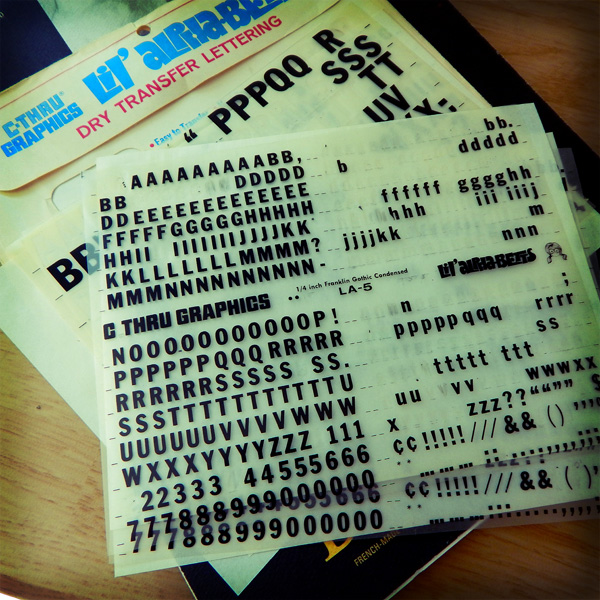
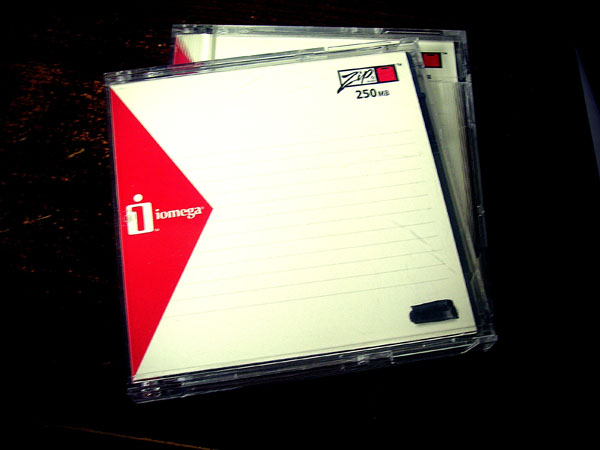
From the graphic design history archive… Anyone remember doing advertising or editorial mockups using dry transfer lettering? Or the fact that mockups were expected to take several days. Not hours.
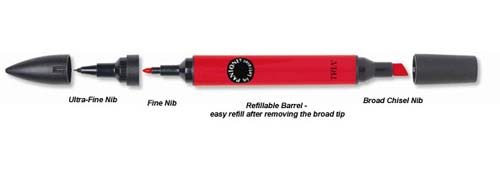
At the university where I received education in the art of design, I spent a lot of money purchasing packets of dry transfer lettering and Pantone triple nib markers. And I spent a lot of hours in the design studio developing the skill of paste ups and thumbnail layouts.
As I designed a multi-page layout project recently I could not escape the fact at how fast I was able to pull it together. The hand drawn layout thumbnails and non-repo blue line paste ups were not part of the process. Nor were there long days of sketches, dummied text, paste ups, Photostat machine, rubber cement, T-squares, proportional scale wheels and other essential pre-digital design tools.
Fortunately for me, I entered the world of advertising and marketing during the digital revolution in design. The design process for the multi-page layout project was exclusively digital — from concept to completion.
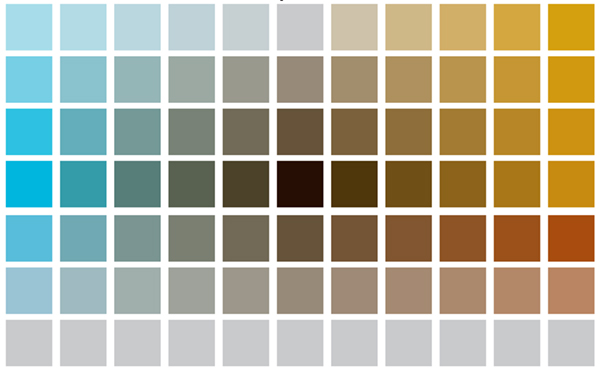
Instead of paging through thick, expensive design journals and other trade publications for color palette and typography and font inspiration, I visited a couple websites like Design Seeds[3] or Font Squirrel.[4] The color palette choice and font and photo selections were quick. That is the nature of the fast-paced environment of production work for a graphic designer.
Yet, last Thursday when the printed product arrived and I reviewed the freshly-inked pages, I was disappointed. The final printed product lacked the essence of human touch. At no point did my hand every touch the page. Everything was created by digital proxy. I can see the difference. Most designers see the difference. A careful observer may also see the difference.
NOTES:
[1] Image originally posted: August 8, 2014. https://coffeehousejunkie.net/2014/08/08/dry-transfer-lettering/
[2] It is a challenge to purchase the old style triple nib markers. Here is one source: AOE Artworld.
[3] Design Seeds: https://www.design-seeds.com/
[4] Font Squirrel: https://www.fontsquirrel.com/
![DSCN6003[DSCN6002[sqr-basic-lomo-dusk-tilt]]](https://coffeehousejunkie.net/wp-content/uploads/2016/07/dscn6003dscn6002sqr-basic-lomo-dusk-tilt.jpg?w=560)

 If you have a couple minutes, enjoy this video titled “Don’t tell designers how to do their own job. . .”:
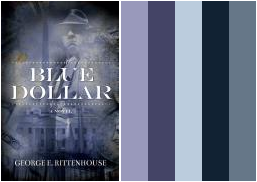

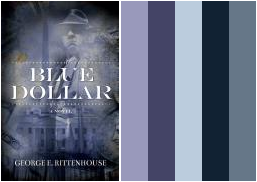
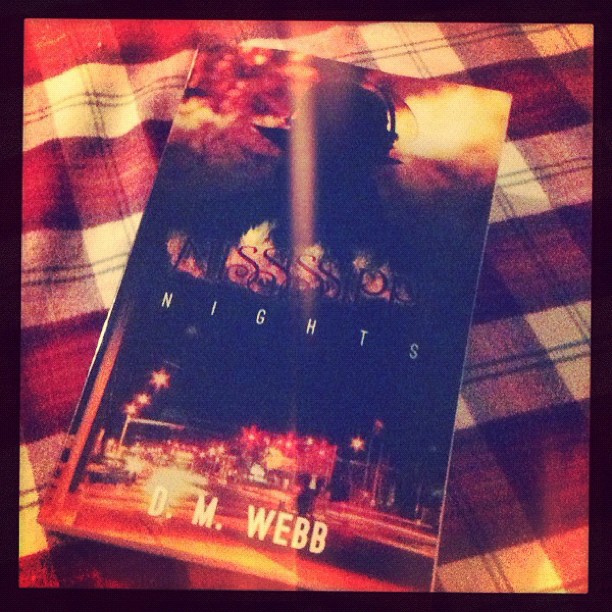
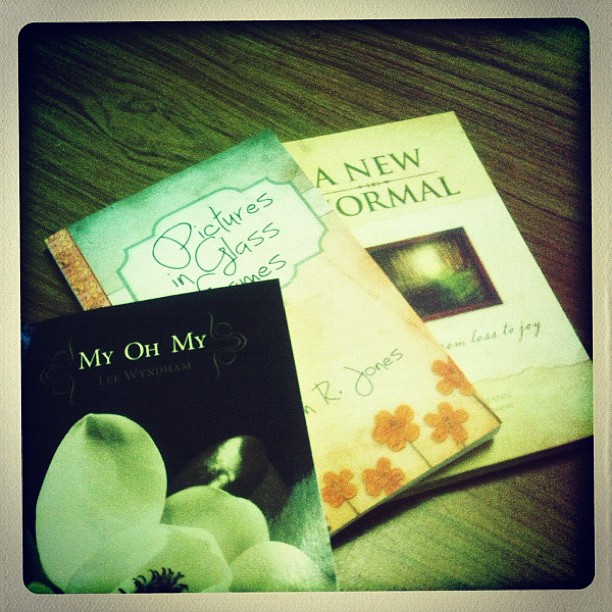
 How do you capture an abstract thought for a book cover design? That’s the question one person left in the comments section to
 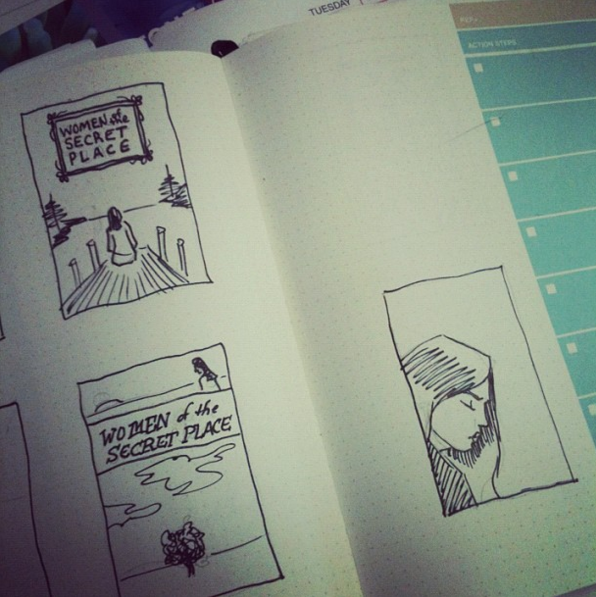 For me, every book cover I design begins with pencil sketches that eventually lead to ink drawings. Actually, I suppose it begins prior to that. The author receives a pre-publication questionnaire from me prior to the design process. The questionnaire asks the author what is his/her elevator pitch, what are the pillars of the book (i.e. what are three main concepts/ideas in the book?), and what is the book’s key audience? There are more questions that help me prepare for the design process, but reading through that document helps me form an idea of who the author is, what the book is about and how best to represent the book’s content with an attractive cover.
 Coffeehouse Junkie